
6E Club Deposit: Add Money by UPI, QR or USDT
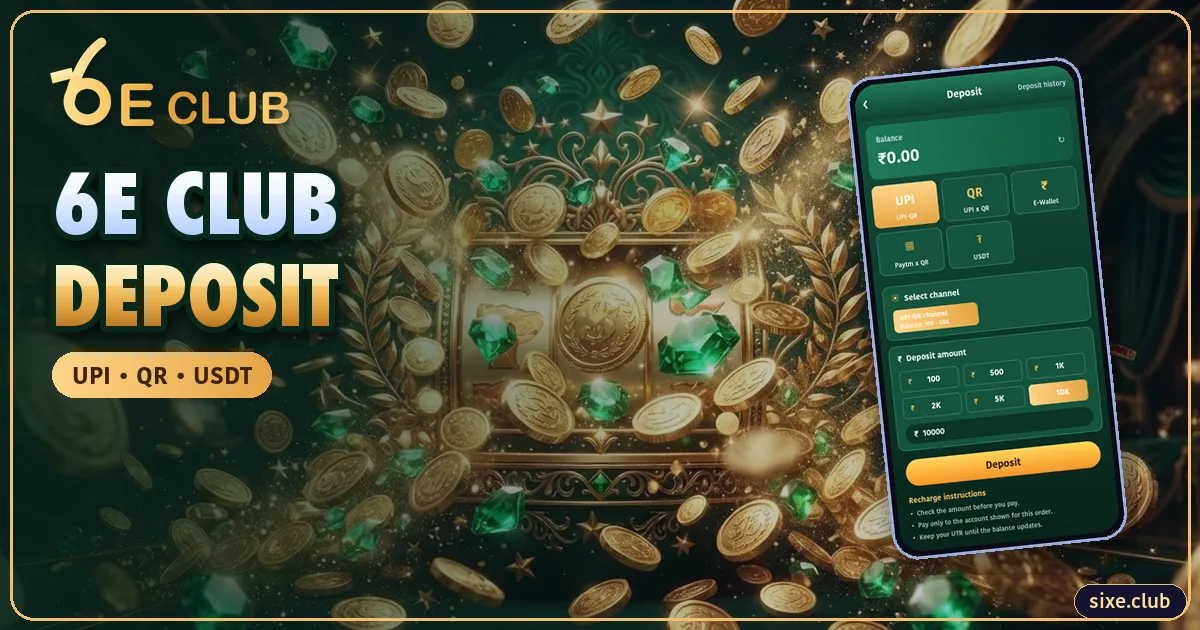
Most 6E Club deposits go through UPI and reflect within minutes. These are the steps and the fixes when something goes wrong.
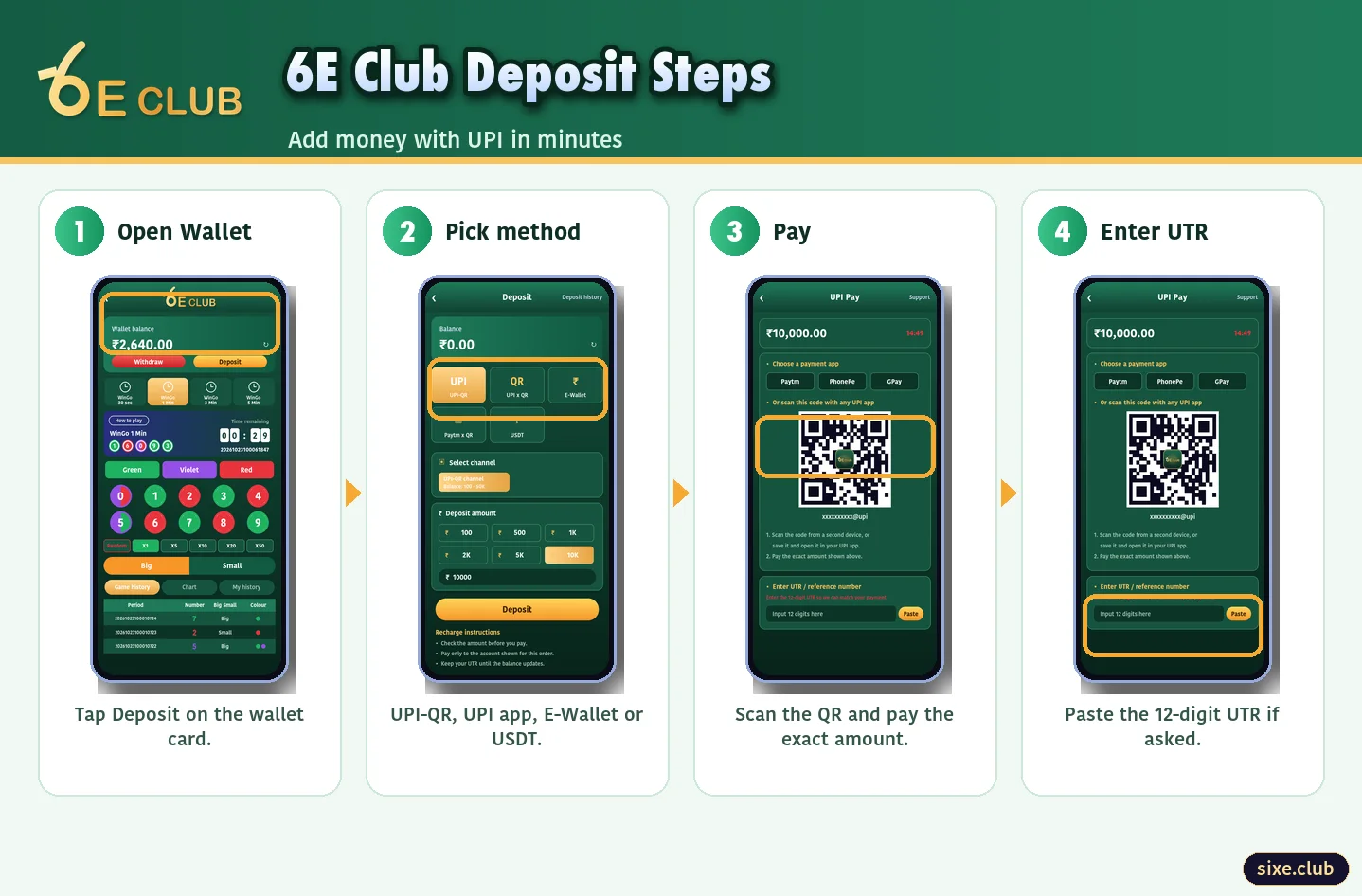
Deposit Steps
- Tap Deposit on the wallet card.
- Choose UPI QR, a UPI app or USDT.
- Pick a channel and the amount.
- Pay exactly that amount.
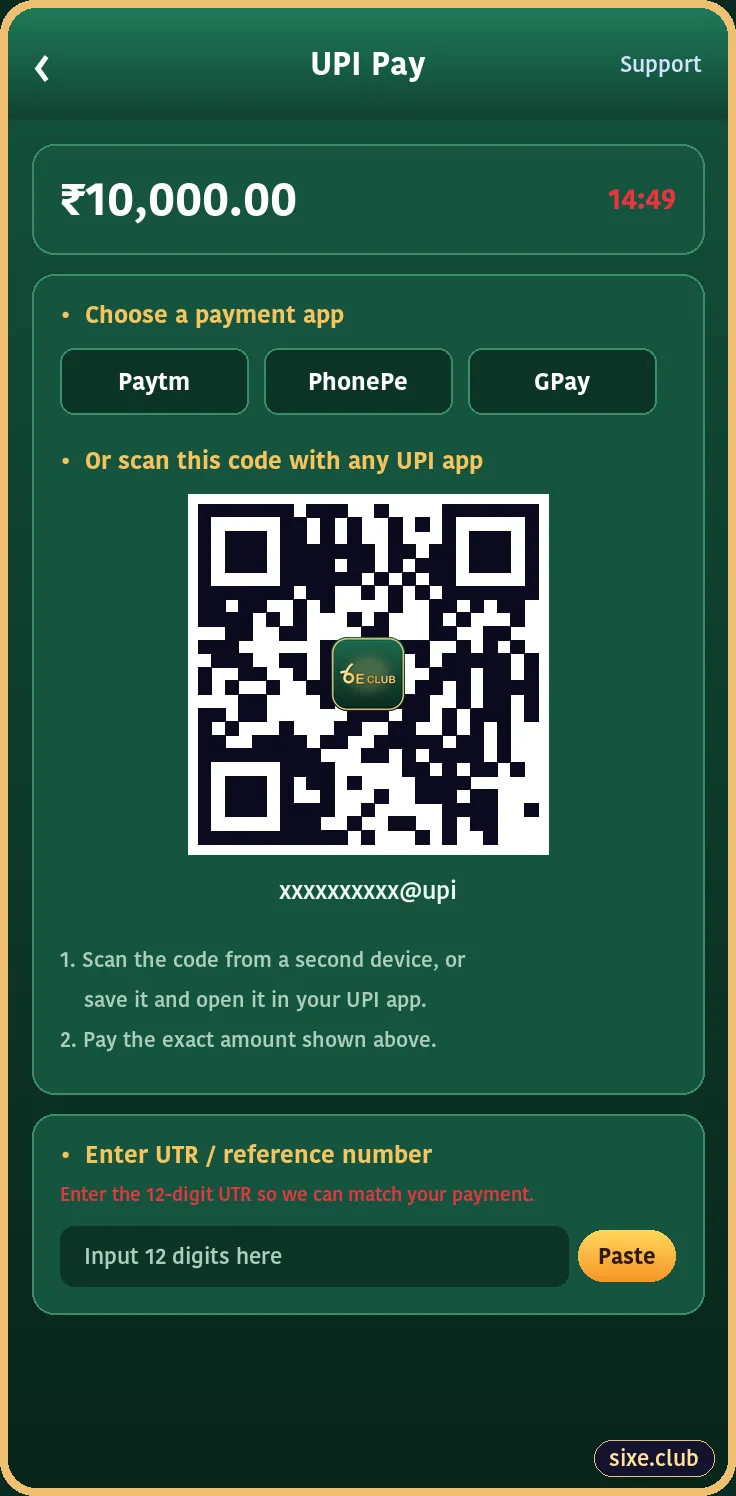
- Enter the 12-digit UTR if requested.
Deposit Methods
| Method | How it works | Tip |
|---|---|---|
| UPI QR | Scan the QR made for this order | Never reuse an old QR |
| UPI app | Opens PhonePe, Paytm or GPay | Do not change the amount |
| USDT TRC20 | Send to the shown wallet address | Double-check the network |
Deposit Not Credited?
| Situation | What to do |
|---|---|
| Under 15 minutes | Wait; UPI can lag |
| Over 15 minutes | Check the UTR in your UPI app and send it to support |
| Money debited, order failed | Banks usually reverse within 3–5 days |
| Paid the wrong amount | Send the UTR and screenshot to support |
Keep Deposits Under Control
Decide your deposit for the week before you open the app, and stick to it. A fixed weekly amount is the easiest way to keep 6E Club spending predictable.
Why the Exact Amount Matters
6E Club matches each payment to its order using the amount and reference. Paying ₹501 instead of ₹500, or scanning a QR from an earlier deposit, can leave the money unmatched and needing a support ticket. Always pay the exact figure shown, from the QR made for that order.
Before and After a 6E Club Deposit
Before paying, check the current 6E Club welcome bonus so you choose an amount that suits your budget. After the money lands, it is shared across 6E Club WinGo, 6E Club K3, 6E Club Aviator and every other title. When you are ready to cash out, add your bank first and follow the 6E Club withdrawal steps. Problems? 6E Club customer support needs the UTR.
Frequently Asked Questions
What is the minimum 6E Club deposit?
It depends on the channel and is shown on the deposit page.
Where do I find the UTR?
In your UPI app’s transaction details; it is a 12-digit number.